Connection Configuration
General Information
- Connection Title: A human-readable name for display purposes (e.g., "Production Analytics DB")
- Connection Name: A unique, code-friendly identifier (e.g., "prod_analytics_db")
- Description: Optional description explaining the purpose of this connection
Server Connection
- Host: The database server hostname or IP address (e.g.,
localhost,db.company.com) - Port: The database port number (default: 5432 for PostgreSQL)
- Database: The specific database name to connect to
- Schemas to Discover (Optional): Whether to discover all schemas or just the ones added
Authentication
- Username: Database username with appropriate permissions
- Password: Database password (securely encrypted when stored)
Security
- Use SSL: Enable SSL/TLS encryption for the connection
SSH Tunnel Configuration
For databases behind firewalls or in private networks, you can connect through an SSH tunnel:

- Enable SSH Tunnel: Toggle the "Enable" switch
- SSH Host: The SSH server hostname or IP address
- SSH Port: SSH server port (usually 22)
- SSH Username: Username for SSH authentication
- SSH Password: Password for SSH authentication
Security Note: The platform securely encrypts and stores all SSH credentials. For production environments, consider using SSH key-based authentication.
Connection Options

Customize the connection and discovery timeout values (in seconds). The connection timeout applies to the initial database connection and test connections, while the discovery timeout applies to the schema discovery process. You can adjust these settings if the default values are insufficient (for example, if the database takes longer to respond).
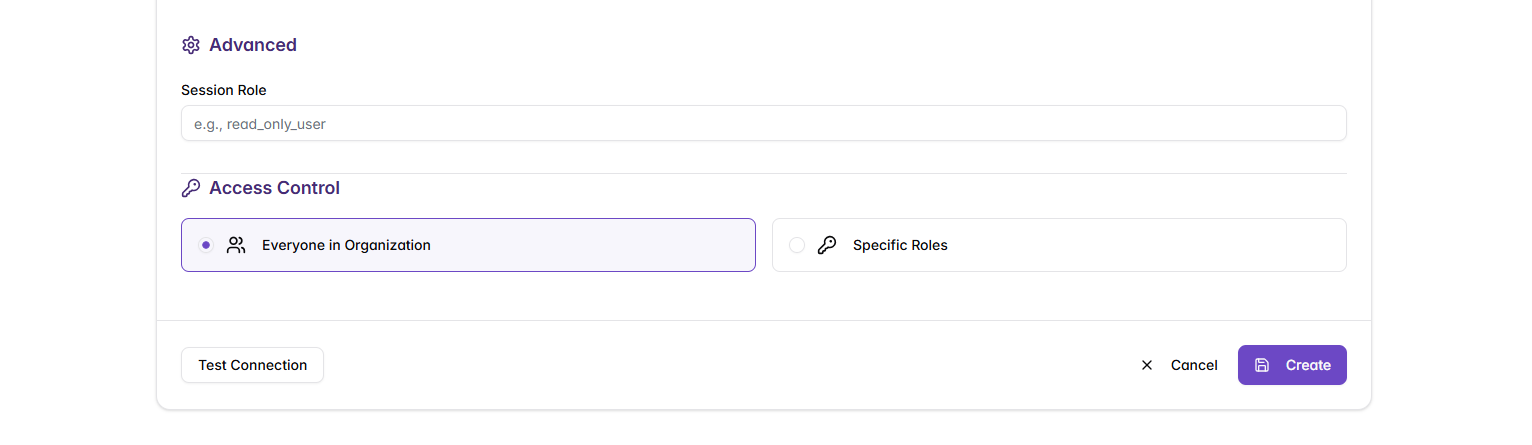
Access Control Configuration
Similar to KB connectors, you need to configure who can use this database connector:
Permission Types
- Everyone in Organization: All users can use this connector through shared agents
- Specific Roles: Only users with selected roles can access this connector
For role-based access, select the appropriate roles from your organization. Users must have the correct role to use agents that are connected to this database.